How to Get an Original Turnitin Report Online
Your institution's assignment portal is closed, your instructor disabled drafts, or you simply don't have access. Here's how to get a real Turnitin report online — not a simulation, the actual thing.
You've finished your paper. You want to check it with Turnitin before your lecturer does — but your institution's assignment portal isn't open for drafts, your instructor has disabled resubmissions, or you simply don't have access. This is a frustratingly common situation, and searching for a solution usually turns up a mix of free tools that don't actually use Turnitin and services of questionable legitimacy. This guide explains what an original Turnitin report is, why the alternatives fall short, and how to get the real thing online.
Why you can't always get a Turnitin report through your institution
Turnitin is an institutional tool — students can only access it through an assignment their instructor has set up. That creates several situations where a report is simply unavailable:
- Draft submissions are disabled. Instructors can turn off draft access to prevent students from gaming the system by rewriting until the score drops.
- The resubmission window is closed. After three submissions, Turnitin enforces a 24-hour delay before a new report generates — which is useless when your deadline is in two hours.
- The assignment hasn't opened yet. You've written early but there's nowhere to submit.
- Your institution doesn't use Turnitin. Many universities use alternative plagiarism tools, leaving students with no Turnitin access at all.
In all of these cases, the only way to see a real Turnitin report is through a third-party service that has legitimate access to the platform.
What an “original” Turnitin report actually means
When we say original, we mean a report generated directly by Turnitin — not a simulation, not a clone tool, and not a free checker that scrapes the web. A genuine Turnitin Originality Report is produced by Turnitin's own software and checks your paper against the same database your institution uses: over 1.6 billion student papers, billions of web pages, and major academic journal repositories.
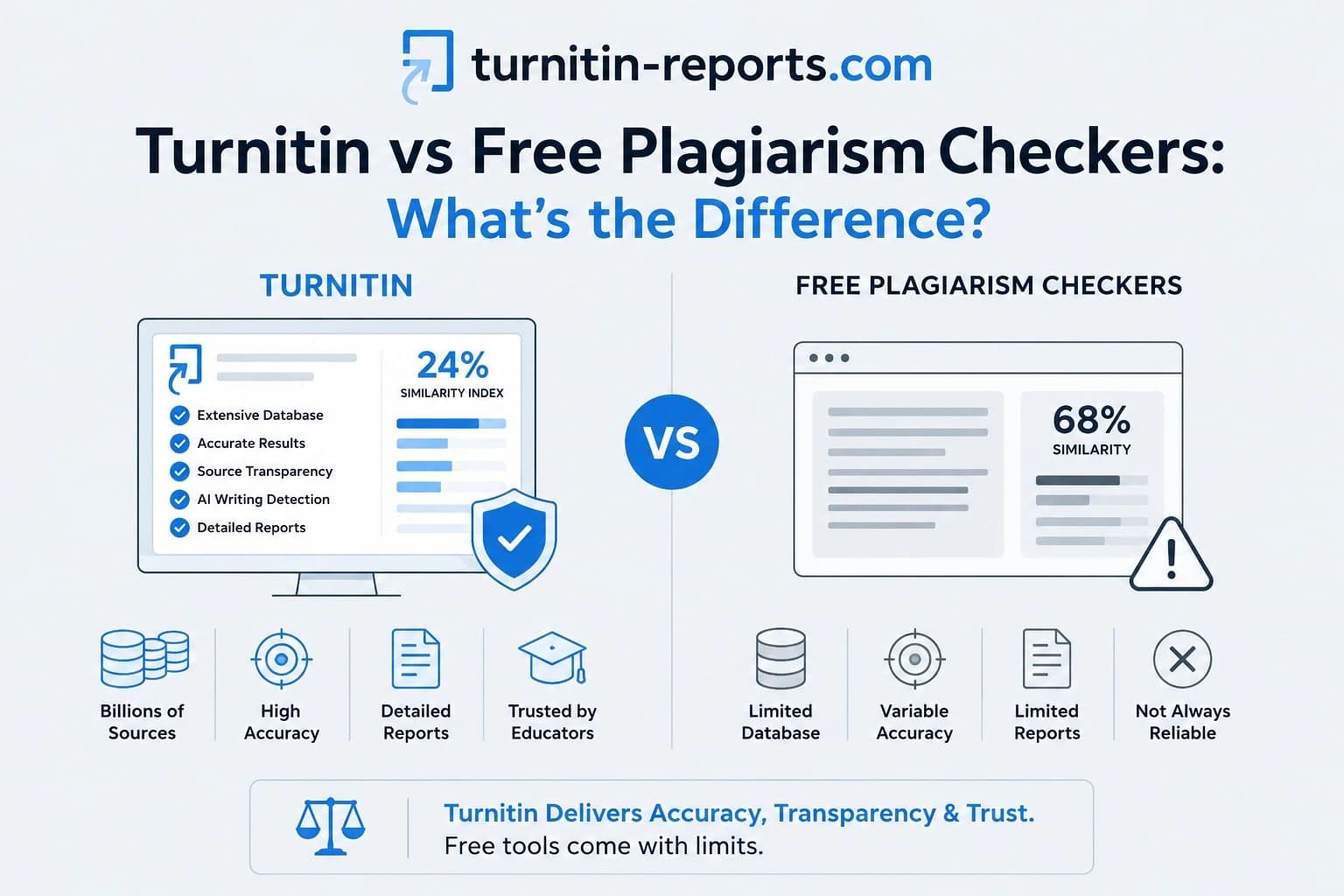
Free plagiarism checkers — Grammarly, PaperRater, Quetext and others — only check against publicly available web content. They miss the student paper database entirely, which is where most flagged matches actually come from. A clean result on a free tool tells you very little about what Turnitin will find.
Similarly, AI-generated “Turnitin previews” that some sites offer are not real Turnitin reports. They use different databases and different detection logic. If your institution uses Turnitin, only a report from Turnitin is meaningful.
How to get a real Turnitin report online
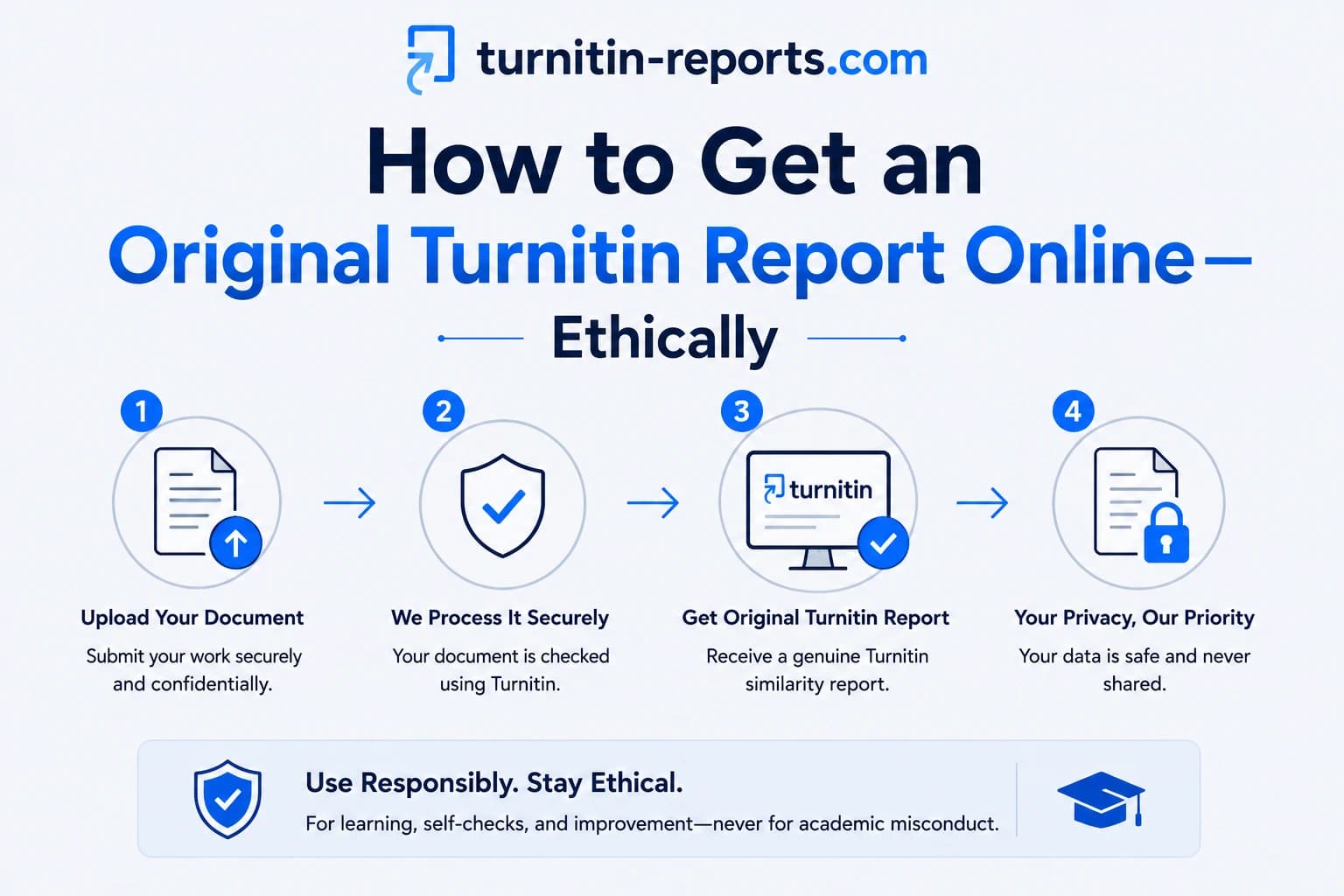
AIPlagGuides gives you access to the same report your institution would generate — without needing an instructor assignment, a university login, or a subscription. You upload your document, we run it through Turnitin, and the report is delivered to you privately, usually within minutes.
The process is straightforward:
- Place your order and upload your document.
- We submit it to Turnitin on your behalf using our licensed access.
- You receive the completed Turnitin report — the same PDF your lecturer would see.
Your document is never stored after the report is delivered. There's no account to create, no subscription, and no recurring charges — and it's the only way to see your actual score before submission.
What you get in the report
The report you receive is a standard Turnitin Similarity Report — the identical output your institution's system produces. It includes:
- An overall similarity percentage
- A colour-coded breakdown of matched passages with source links
- The ability to apply exclusion filters (quotes, bibliography, small matches)
- A match overview showing which sources contributed most to the score
If you also order the AI Detection Report, you get Turnitin's AI writing percentage alongside it — the same figure your instructor sees when AI detection is enabled on the assignment.
With both reports in hand before you submit, you can address any issues — rewrite flagged passages, check your citations, or simply submit with confidence knowing exactly what your institution will see.
Frequently asked questions
Is using a third-party Turnitin service against academic integrity rules?
Checking your own paper before you submit is not academic misconduct. Using AIPlagGuides is equivalent to proofing your work — the report is a tool for you to identify and fix issues before your final submission. It does not alter your submission or interfere with your institution's process in any way.
Will my paper be added to Turnitin's student database?
No. We submit your paper under settings that exclude it from Turnitin's repository. Your work will not appear as a match for other students' papers.
How is this different from Turnitin Draft Coach?
Turnitin Draft Coach is a Google Docs add-on available only to students whose institution has purchased it. Most students don't have access. AIPlagGuides is available to anyone, regardless of which tools your institution has licensed.
How long does it take to get my report?
Most reports are delivered within minutes of your order being placed. Turnitin's processing time can vary slightly depending on document length, but the typical turnaround is well under 30 minutes.
Ready to check your paper?
Get your Turnitin report in minutes.
Same report your institution generates — delivered privately, fast.
Related articles