Can Turnitin Detect Copy and Paste? How Text Matching Actually Works
Yes — copy-pasting is exactly what Turnitin was built to catch. But what it can and can't detect depends on whether the source is in its database. Here's how the text fingerprinting works, what tricks don't fool it, and the one scenario where copy-pasting genuinely evades detection.
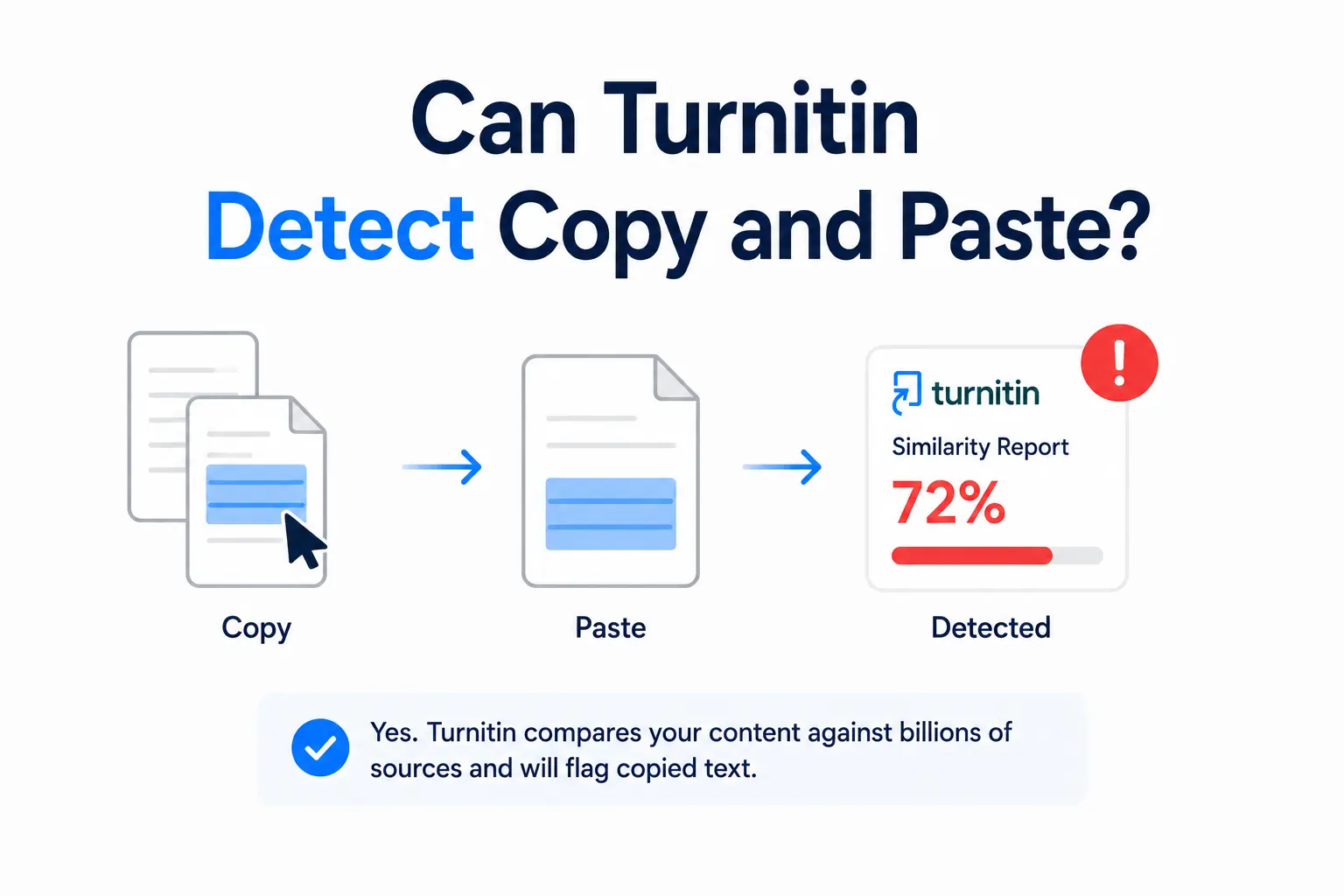
The short answer is yes — Turnitin detects copy-pasted text with a high degree of accuracy, as long as the source exists in its database. But the full picture is more nuanced than a simple yes. Whether your copied text gets flagged depends on where you copied it from, whether that source is indexed, how much you changed the text, and what the copied content actually is. Here is exactly how the detection works and where its limits are.
How Turnitin detects copy-pasted text
Turnitin does not know that you pressed Ctrl+V. It has no access to your clipboard, your browser history, or any record of how text entered your document. What it does is compare the text in your submitted document against its database and identify matching strings of words — and copy-pasted text, being identical to the source, produces the clearest possible match.
The matching process works through text fingerprinting. Turnitin breaks your submission into overlapping chunks — typically sequences of words and phrases — and generates a digital fingerprint for each chunk. These fingerprints are compared against the fingerprints of everything in its database. When a match is found, the passage is highlighted in the Similarity Report and the source is identified. Turnitin's own documentation confirms that the similarity score is the percentage of text in a submission that matches sources in the database — not an assessment of intent.
Copy-pasted text, being word-for-word identical to the source, produces the strongest possible fingerprint match. There is no ambiguity in the comparison — the text either matches or it does not. This is why copy-pasting is the most reliably detected form of plagiarism in Turnitin.
The critical condition — the source must be in the database
Turnitin can only detect a match if the source you copied from is in its database. That database covers:
- Over 54 billion web pages — current and archived content from across the internet, including Wikipedia, news sites, blogs, and academic portals
- Over 1.9 billion previously submitted student papers — from institutions worldwide going back decades
- Tens of millions of academic journal articles and books — through licensing agreements with major publishers including Elsevier, Springer, and Wiley
If you copy from a source that is in this database — a Wikipedia article, a published paper, a news article, or a previously submitted student essay — the match will appear. If you copy from a source that is not indexed — a private document, a conversation, a book not yet digitised, a private forum, or a very newly published article not yet crawled — it will not be detected. Our post on what Turnitin checks covers the database in full detail.
What Turnitin can and cannot detect
Turnitin will detect copy-pasted text from:
- Wikipedia articles and any publicly indexed web pages
- Published journal articles and academic books from licensed publishers
- Previously submitted student papers stored in Turnitin's repository
- News articles and online publications
- Open access research papers indexed by CORE or similar databases
Turnitin will not detect copy-pasted text from:
- Private documents or files never published online
- Books or papers that have never been digitised or indexed
- Content behind paywalls that Turnitin does not have licensing access to
- Social media posts on Twitter, TikTok, or Instagram (though republished versions of that content on indexed sites may be detected)
- Very recently published content not yet crawled by Turnitin's web index
- Content translated from another language (unless Translated Matching is enabled)
Does changing formatting fool Turnitin?
No. Turnitin processes the text content of your document — not its visual appearance. Changing the font, size, colour, spacing, or layout of copied text does not affect detection. Making text white on a white background (an old trick) is also detected because Turnitin extracts the raw text from the document, regardless of how it is styled. Bold, italic, underline, and any other formatting changes are invisible to the similarity engine.
What about paraphrasing copied text?
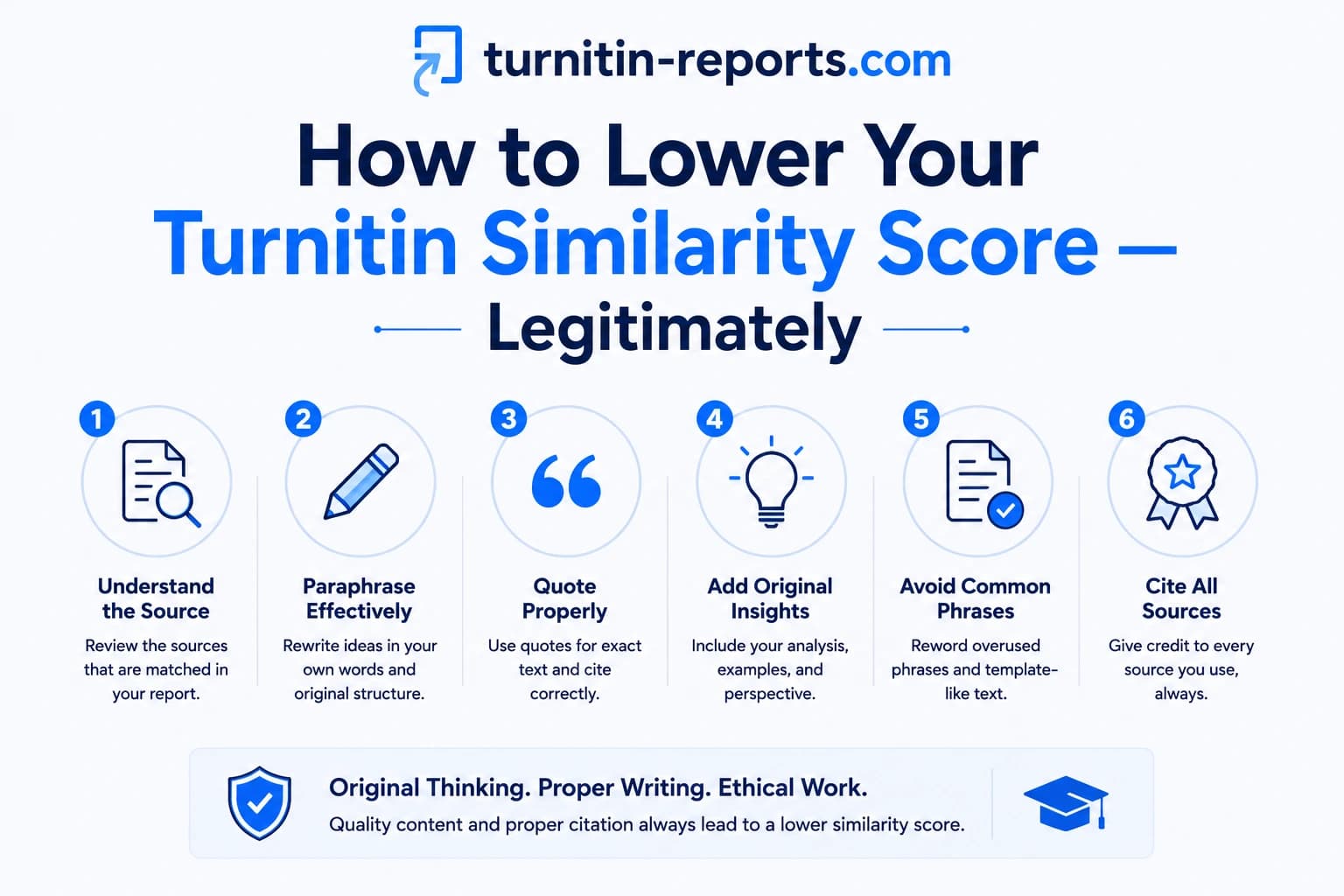
Light paraphrasing — swapping a few words for synonyms while keeping the sentence structure — reduces the match confidence but often does not eliminate it. Turnitin's fingerprinting is designed to detect partial matches, not just verbatim copies. A passage that has been lightly rephrased may still appear as a fuzzy match in the Similarity Report, particularly if the structure of the sentences or the sequence of ideas is preserved.
Substantial paraphrasing — genuinely rewriting the structure, sequence, and wording of an idea — is more likely to avoid a similarity match, but it moves into a different category of concern: idea theft without attribution, which Turnitin's similarity detection is not designed to catch. However, instructors reviewing the report can identify heavily paraphrased passages that do not appear as similarity matches but look suspicious in context.
Copy-pasting your own previous work
Students sometimes assume that copying from their own previous essays is safe — since they wrote it, it cannot be plagiarism. This is a misconception. If your previous paper was submitted through a Turnitin assignment with repository storage enabled, it is in the database. Copy-pasting from your own previous submission will appear as a similarity match, and the source will show as your own earlier paper. This is what Turnitin refers to as self-plagiarism.
Turnitin's blog post on self-plagiarism explains why reusing your own work without disclosure is an academic integrity issue — most institutions treat it the same way they treat conventional plagiarism. Our post on whether Turnitin detects self-plagiarism covers the specifics of how this match appears in the report.
What Turnitin sees when it detects a match
When Turnitin identifies a copy-paste match, the Similarity Report shows the matched passage highlighted in your submission with a colour corresponding to the match source. Clicking the highlighted text reveals the source document and the specific passage that matches. The instructor can see both your text and the original side by side.
Importantly, Turnitin does not distinguish between a copy-paste and a properly cited direct quotation — both appear as similarity matches. The instructor's job is to determine whether matched text is properly attributed. A 15% similarity score made up entirely of correctly cited quotations is very different from a 15% score made up of unattributed copy-pasted passages.
Frequently asked questions
Can Turnitin tell if you copy and paste?
Turnitin cannot detect the act of copy-pasting — it has no access to your clipboard or editing history. What it detects is matching text: if the text you submitted matches text in its database, that match is flagged regardless of how the text got into your document. Copy-pasted text from indexed sources produces the strongest possible match because it is word-for-word identical.
What if I copy and paste from a source that is not on the internet?
If the source is not in Turnitin's database — a private document, a non-digitised book, a personal email, or a restricted internal resource — Turnitin will not detect the match. The similarity score reflects only what is in the database, not what is in the world. A 0% similarity score does not mean a submission is original — it means no text matches were found in the sources Turnitin has access to.
Does changing the font or colour of copied text hide it from Turnitin?
No. Turnitin extracts the raw text from your submitted document before processing it. Font, colour, size, and all other visual formatting are stripped out — only the characters themselves are analysed. White text on a white background, small fonts, and other visual tricks are completely ineffective.
Will Turnitin flag properly cited quotations as plagiarism?
Turnitin will flag them as similarity matches — but not as plagiarism. The similarity report shows text that matches sources; it does not determine whether the matching text is properly cited. An instructor reviewing a report with correctly attributed quotations will see the citations and understand the matches are legitimate. If you are concerned about your score being inflated by quotations, ask your instructor to apply the quote exclusion filter.
Ready to check your paper?
Get your Turnitin report in minutes.
Same report your institution generates — delivered privately, fast.