Does Grammarly Trigger Turnitin AI Detection? What Students Need to Know
Basic Grammarly spell-check is safe — but Grammarly's rewriting features and generative AI tools are a different story. Here's exactly which features cause problems, why they trigger Turnitin's detector, and what happened to a student who found out the hard way.
Grammarly is one of the most widely used writing tools among students — and one of the most misunderstood when it comes to Turnitin. The question is not simply “does Turnitin detect Grammarly?” because Grammarly is not one thing. It is a suite of tools that range from basic spell-check to a full generative AI assistant, and each one interacts with Turnitin's AI Writing Report very differently. Understanding that distinction is what determines whether your submission is safe.
Grammarly is two very different products
Before getting into detection, it is important to separate what Grammarly actually does:
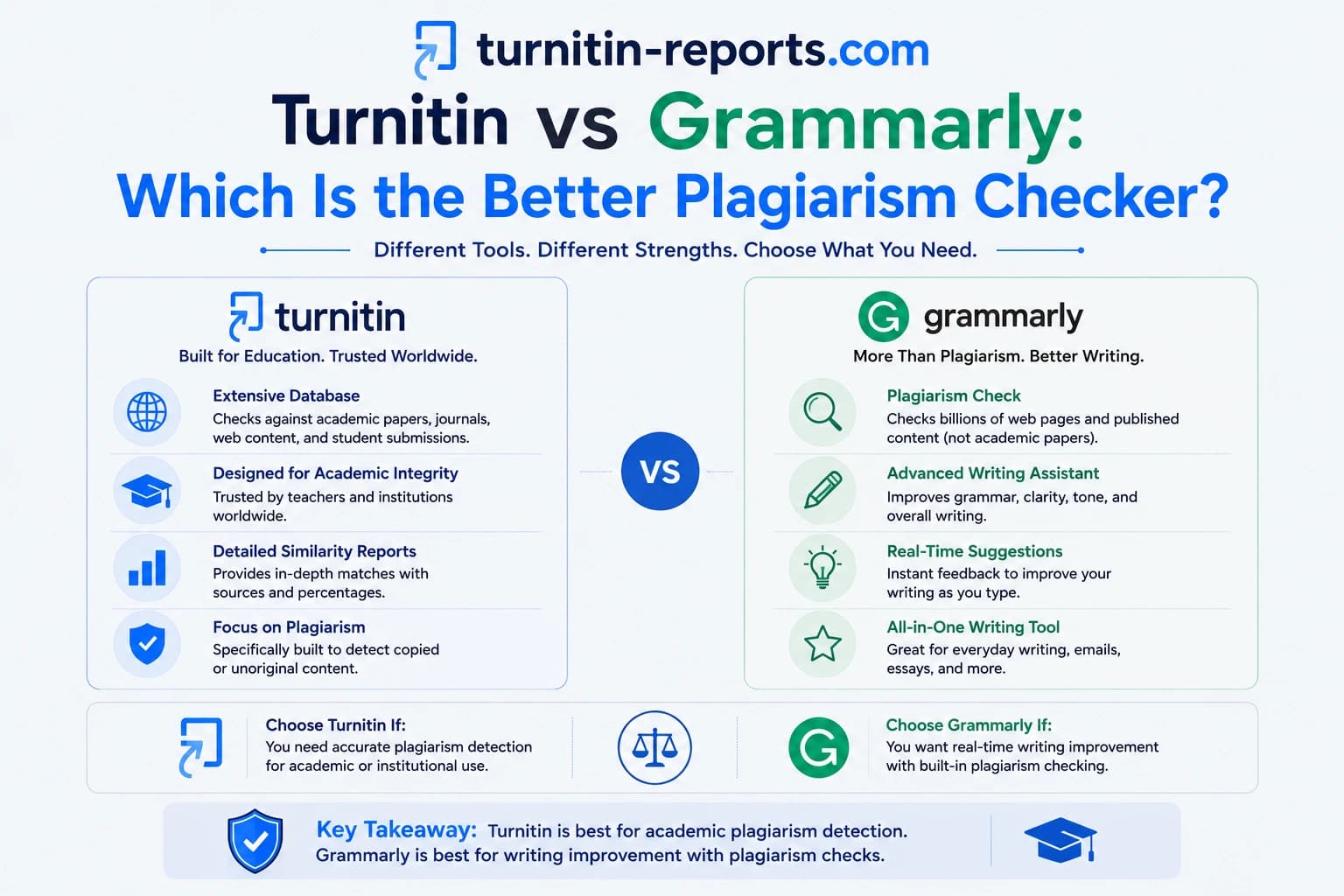
- Classic Grammarly — the grammar, spelling, punctuation, and clarity suggestions that have existed since the product launched. This layer identifies errors and suggests corrections; it does not rewrite your sentences or generate new content. You still decide which suggestions to accept.
- Grammarly's generative AI — launched as GrammarlyGO and now integrated across the product as “generative AI assistance.” This layer can compose text from scratch, rewrite entire paragraphs, adjust your tone, and paraphrase sections on demand. It is powered by large language models — the same underlying technology as ChatGPT and similar tools.
The distinction matters enormously because Turnitin's AI detector responds to these two layers in completely different ways.
Basic grammar corrections — the safe zone
Accepting classic Grammarly suggestions — fixing a comma splice, correcting subject-verb agreement, changing “their” to “there” — does not meaningfully affect your Turnitin AI score. These corrections do not alter the sentence structure, word choices, or the statistical patterns that Turnitin's detector is trained to measure. Your writing remains yours; the punctuation is just cleaner.
The same applies to Grammarly's basic clarity suggestions — shortening an overly long sentence or removing redundant words. As long as the restructuring is minor and you are still making the choices, the statistical fingerprint of your writing does not shift in a way that triggers detection.
Where Grammarly starts to cause problems
Problems begin when students lean heavily on Grammarly's rewriting and tone adjustment features — even the non-generative ones. When Grammarly rewrites multiple sentences across a document to make them “clearer” or “more concise,” it tends to standardise syntax: sentences become more uniform in length, word choices become more predictable, and the natural variation in your writing flattens out. This is exactly what Turnitin's perplexity and burstiness analysis is trained to detect.
The result is a paradox: you wrote the content yourself, but after accepting enough Grammarly rewrites, the statistical profile of your text starts to resemble AI-generated output — not because AI wrote it, but because algorithmic editing produces the same uniform, polished patterns that AI generation does.
Grammarly's generative AI — a much higher risk
Grammarly's generative AI features — the “Rewrite,” “Compose,” and “Ideate” tools — are a fundamentally different risk category. When you ask Grammarly to rewrite a paragraph or compose a section, it is generating text using a large language model. That output carries exactly the same statistical characteristics as ChatGPT or Claude output: low perplexity, low burstiness, predictable sentence patterns.
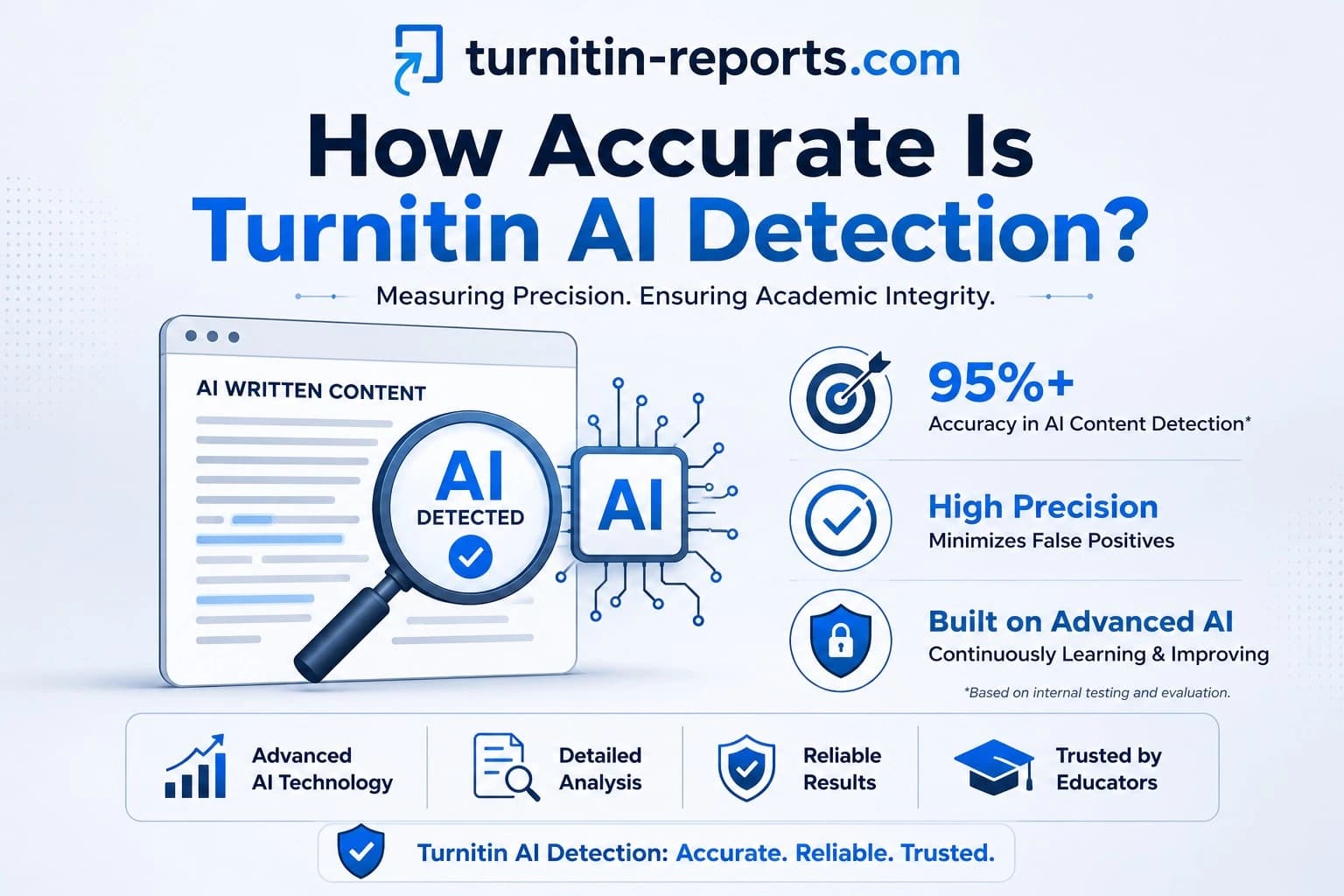
Testing has found that text generated by Grammarly's generative AI features scores around 55% on Turnitin's AI Writing Report — well above the review threshold used by most institutions. This is consistent with what Turnitin's detector produces for other AI writing tools, because the underlying mechanism is the same: Grammarly is using an LLM to generate the text, and Turnitin is detecting that LLM-generated pattern. For a broader comparison of how different AI tools score, our post on how Turnitin detects ChatGPT covers the detection rates across major AI models.
The Marley Stevens case
The real-world consequences of this issue became widely known through the case of Marley Stevens, a University of North Georgia student who was placed on academic probation in 2024 after Turnitin flagged her paper as AI-generated. Stevens said she used only Grammarly's standard grammar and spell-check features — not ChatGPT, not GrammarlyGO, not any generative tool. Her paper was flagged anyway.
As a result of the zero she received on the assignment, her final grade fell below the threshold for her HOPE Scholarship, and the university required her to pay $105 to attend an academic integrity seminar. Fox 5 Atlanta covered the case in detail, and it drew national attention to the false positive problem with AI detectors. Fast Company subsequently reported on the broader pattern of Grammarly usage triggering AI flags, noting that researchers had begun questioning whether institutions should be using AI detection tools at all without more nuanced guidance.
Stevens' case is not isolated. It represents a structural risk for any student who uses Grammarly's editing suggestions extensively on a long document — particularly students whose natural writing style is already clean and structured, which is what Grammarly tends to produce.
What Turnitin says about Grammarly
Turnitin has acknowledged on its own educator forums that Grammarly usage can contribute to elevated AI scores, particularly when rewriting features are used. Turnitin maintains that its AI score should not be used as the sole basis for academic action — a position that directly applies to Grammarly-flagged submissions. The company recommends that instructors treat the AI Writing Report as a starting point for conversation, not a verdict.
Importantly, Turnitin's detector does not know whether the AI-like patterns in your text came from ChatGPT, from Grammarly's generative features, or from Grammarly's editing flattening your natural writing style. The report shows a score and highlights passages — it does not identify which tool produced them.
How to use Grammarly without triggering the detector
The practical guidance comes down to which features you use and how selectively you apply them:
- Stick to correctness suggestions. Grammar, spelling, punctuation, and subject-verb agreement fixes are safe. Accept these freely — they do not affect the patterns the detector measures.
- Be selective with clarity rewrites. If Grammarly suggests rewriting a sentence for clarity, consider whether you can achieve the same result with a smaller edit. Accepting every rewrite across a long document compounds the uniformity effect.
- Avoid the generative features for academic work. “Rewrite,” “Compose,” and “Ideate” in Grammarly use LLMs to generate text. Using these for assessed academic work carries the same detection risk as using ChatGPT directly — because mechanically, it is the same thing.
- Check before you submit. If you have used Grammarly extensively on a piece of work, checking your AI score before your instructor sees it gives you time to understand whether any sections have been flagged and why.
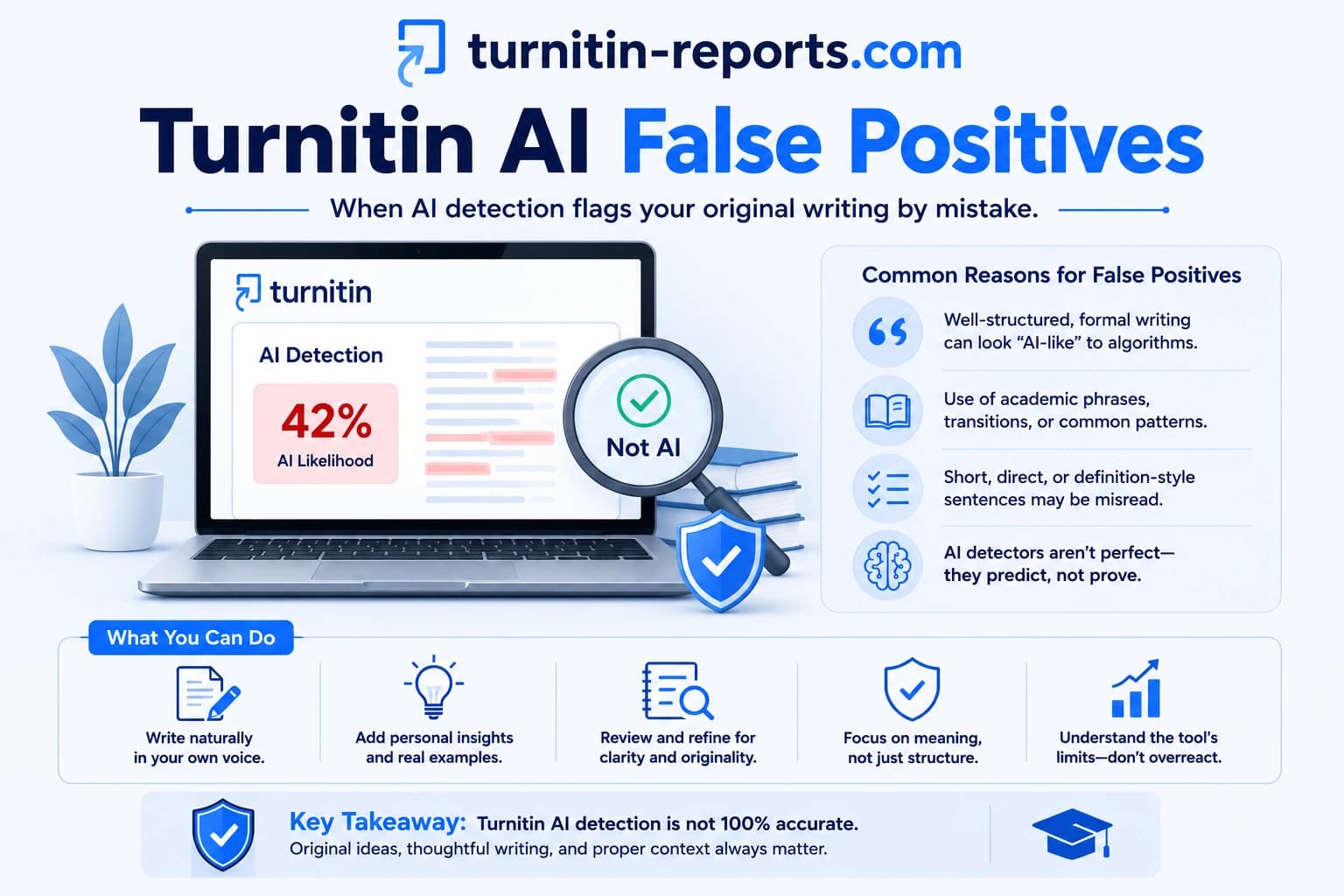
Our post on Turnitin AI false positives explains what to do if you are flagged for work that is genuinely your own — including how to document your writing process and contest a result.
Frequently asked questions
Does using Grammarly count as cheating?
Using Grammarly's classic grammar and spell-check features does not constitute academic dishonesty under most institutional policies — it is equivalent to using a dictionary or asking someone to proofread your work. However, using Grammarly's generative AI features to compose or rewrite sections of assessed work is a different matter. Many institutions now explicitly prohibit AI-generated content, and Grammarly's generative tools produce exactly that. Check your institution's AI use policy before using any generative features on assessed work.
Can Turnitin tell the difference between Grammarly edits and ChatGPT?
No. Turnitin's AI Writing Report detects statistical patterns in text — it does not identify which tool produced them. Whether AI-like patterns came from ChatGPT, Grammarly's generative features, or Grammarly's editing homogenising your writing style, the report treats them the same way. This is precisely why false positives occur when students use only Grammarly's standard editing tools.
What Grammarly features are safe to use before a Turnitin submission?
Grammar corrections, spelling fixes, punctuation suggestions, and minor word-choice corrections are safe. The features to avoid — or use very selectively — are the sentence rewrite suggestions, tone adjustments, and anything under Grammarly's generative AI umbrella (Rewrite, Compose, Ideate). The more of your sentence structure Grammarly rewrites, the more your text's statistical profile shifts toward the patterns Turnitin flags.
What should I do if Turnitin flagged my work after I used Grammarly?
Document your writing process: drafts, notes, browser history showing research, and timestamps showing when you wrote sections. Turnitin's own guidance states the AI score should not be the sole basis for academic action, so your institution has an obligation to consider context. Present your evidence to your instructor or academic integrity office, and reference Turnitin's published position on false positives. Cases like Marley Stevens show that institutions can and do review these decisions when students push back with documentation.
Ready to check your paper?
Get your Turnitin report in minutes.
Same report your institution generates — delivered privately, fast.